Strong Password Generator – Instantly Create Secure, Unique & Hard-to-Guess Passwords Online
A strong password generator instantly creates random, secure passwords using letters, numbers, and symbols. It protects personal, academic, and professional accounts from hacking and unauthorized access.
In this digital world, online security is not an option. Starting with social networks and email addresses, banking applications and business portals, almost all services demand a password. It is very unfortunate that most individuals continue using poor, used or predictable passwords that expose their personal details to threats. At this point, a powerful password generator is necessary.
Strong Password Generator
Character Types
Quick Presets
QR Code
Scan to save password to your phone or share securely
Note: QR code contains the password in plain text. Share securely.Password Information
Security Tips
- Use passwords longer than 12 characters
- Mix letters, numbers, and symbols
- Use unique passwords for each account
- Change passwords every 90 days
Cybersecurity attack threats are increasingly growing each year, with data breaches impacting millions of users. The most common access point for attackers is weak passwords. A strong password generator enables the user to come up with a secure login password that is hard to read, and there is a great chance of avoiding unauthorized access.
Consider real-world scenarios: a person suffering loss of access to a personal email account because of a poor password, a freelancer who has lost their client information, or an administrator of a business site who has lost the site to a hijack. All incidents lead to the loss of money as well as emotional strain and damaged reputation. These risks can be reduced through a powerful password generator, which will guarantee digital security and peace of mind.
This free strong password generator enables you to generate secure random passwords instantly using letters, numbers, and symbols. It is perfectly suited to people and professionals, freelancers, students, and webmasters who require quick, secure passwords without any registration or data storage.
All generated passwords are processed locally in your browser — no storage, no tracking, and no-account creation required. Explore all free online tools available on e4tools to improve productivity, security, and daily workflows.

Caption: Instantly create secure and unique passwords for your accounts
This image illustrates a modern password generator with random characters, a secure lock, and a laptop interface. It emphasizes trust and online security for all users.
Why This Strong Password Generator Exists
The internet has made life easier; however, it has raised new issues of security. Many users use the same password on various platforms so that attackers can easily compromise numerous accounts at once. Simple sequences, names, or birthdays are among weak passwords that persistently exist despite repeated warnings from cybersecurity specialists.
Weak passwords in corporate environments can lead to ransomware attacks, phishing attacks, and access to secure company information, which results in the loss of money, downtime, and reputation.
Cybersecurity Trends and Statistics

Caption: Key data showing the risks of weak passwords and account breaches
This infographic presents statistics on password reuse, account compromise, and the growing need for strong passwords. It educates readers on cybersecurity trends.
Millions of accounts are violated annually because of weak passwords.
Almost 60 per cent of users confess that they use the same password on several platforms.
Automated brute force attacks are also increasingly targeting predictable password accounts.
Human Behavior and Password Weaknesses
Human beings tend to use simple passwords, which are easy to remember, which make a person more vulnerable. Simple passwords or password reuse may then trickle down to identity theft and theft through financial means, as well as access to sensitive information.
Simplicity and Usability
A strong password generator also makes it easy to generate secure passwords. Rather than making guesses on whether a password is strong enough, users can trust this tool to create random passwords that are safe and can be created at any time, keeping online accounts safe but still convenient.
If you’re unsure how to select the right tool for your tasks, check out our detailed guide: How to Choose the Right Online Tool for Your Task.
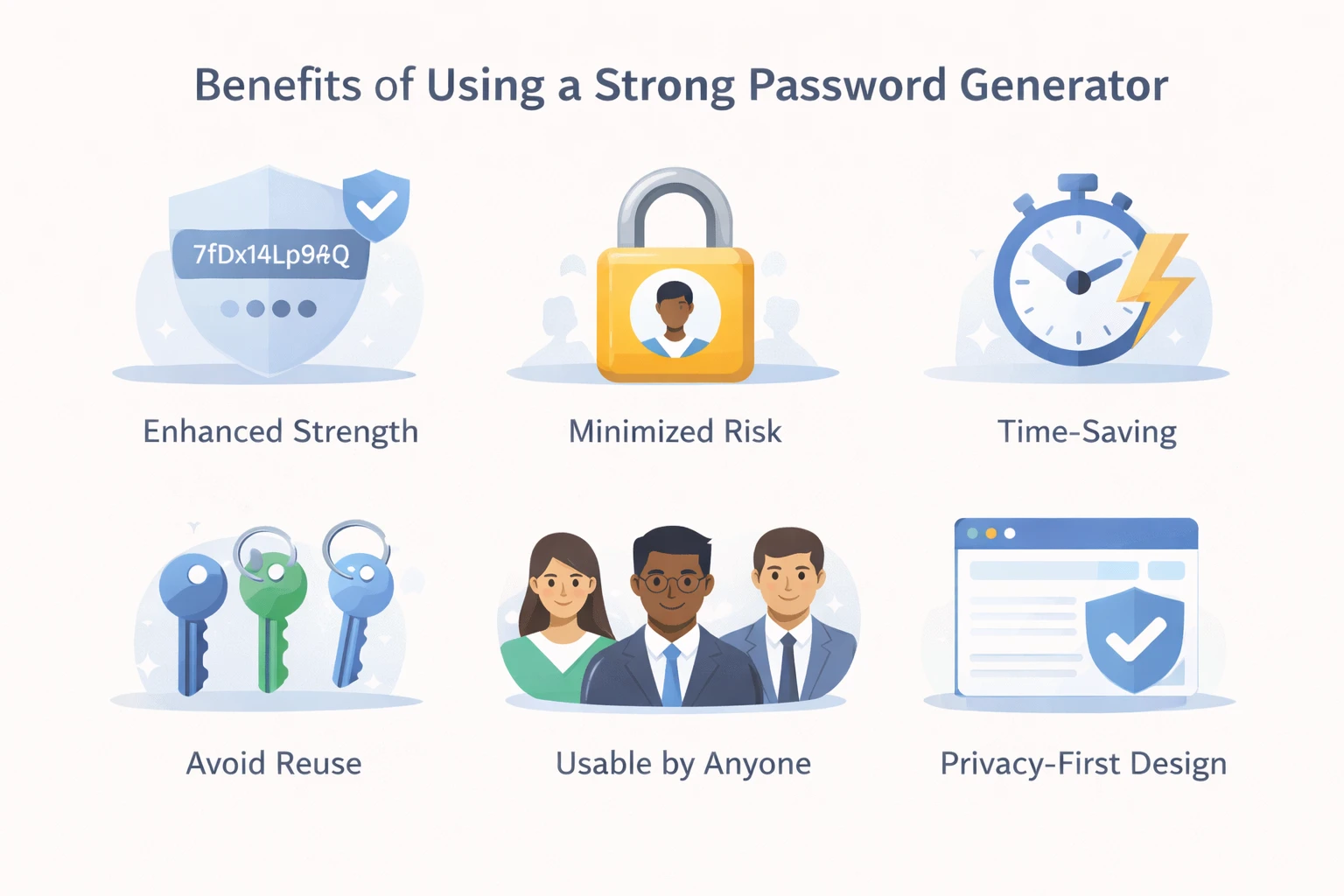
Key advantages of generating strong, unique, and secure passwords
Benefits of Using a Strong Password Generator
Enhances Overall Password Strength: Each password generated is complex, and that minimizes the chances of a brute force attack.
Minimizes Risk of Account Compromise: Individual passwords on any login can eliminate credential stuffing attacks.
Saves the Time and Energy: Instant generation saves time and effort and ensures that there are no cases of locking of accounts due to lost passwords.
Avoids Password Reuse: Ensures that your passwords are distinct across all platforms.
Usable by anyone: Suitable for anyone, whether an individual, a professional, a student or an administrator of a website.
Privacy-First Design: Runs entirely in your browser — no data collection or storage.
Using strong passwords consistently improves productivity, security, and online protection.
Discover more ways to solve daily tasks efficiently in our article: Common Problems People Solve Using Online Tools Easily.
How the Strong Password Generator Works

Caption: Step-by-step process to generate strong passwords easily
This infographic shows how to select password length, choose characters, generate a password, and copy it safely. It simplifies the process for users visually.
Our password generator software is designed to be simplistic, quick and efficient. It is fully web-based, and it does not demand any personal data.
Random Character Generation
The generator creates passwords using a mix of:
Uppercase and lowercase letters
Numbers and symbols
Variable password length
This combination improves overall password strength and makes passwords harder to predict.
Password Length vs Strength
Longer passwords are exponentially more difficult to crack. For example:
8-character passwords can be cracked in minutes.
12–16 character passwords are significantly stronger.
Including numbers and symbols adds another layer of security.

Caption: Longer passwords are stronger and harder to crack
The illustration compares weak short passwords versus long strong passwords, highlighting the importance of length and complexity for online security.
Balanced Password Structure
A strong password typically includes:
Mixed-case letters
Numbers and symbols
Sufficient length
Our tool automatically balances these elements, ensuring optimal password strength without user guesswork.
Password Manager Integration
The generated passwords can be saved conveniently in password managers like LastPass, 1Password or Bitwarden, which can be accessed across devices and systems.
Why Randomness Matters
Predictable patterns make passwords vulnerable. Random generation eliminates the effect of bias, and the fact that every single password is distinct offers security to both digital identity and professional accounts.
Local Execution and Privacy
All the generation of the password occurs in your browser; there is no storage, no tracking, and no signup. This ensures privacy and is within the AdSense safety requirements.
Why Strong Passwords Matter More Than Ever
Strong passwords are now essential in the era of growing cyber threats. Weak passwords put accounts of businesses and individuals at risk of data breaches, financial fraud, and identity theft.
Preventing Data Breaches
Weak passwords can also be subject to brute force attacks whereby the attacker performs combinations on these passwords until he strikes a winning combination. According to cybersecurity standards published by NIST, strong and complex passwords significantly reduce the success rate of brute force attacks. Password complexities are maintained through a powerful password generator, and thus, brute force attacks become ineffective.
Avoiding Password Reuse
The use of the same password on different platforms has a domino effect. Google’s security research has consistently shown that password reuse magnifies the impact of account breaches across multiple services. When one account has been compromised, the attackers can get access to several services. This risk is reduced by unique passwords created by this tool.
Protecting Digital Identity
Your digital identity is email, cloud services and administration dashboards. Strong passwords ensure the security of sensitive information and lower the chances of unauthorized entry.
The U.S. Federal Trade Commission recommends strong, unique passwords as a key step in protecting personal and financial information online.
Common Use Cases for a Strong Password Generator

Caption: Suitable for students, freelancers, professionals, and social media users
A visual representation of diverse users benefiting from secure passwords, including students, freelancers, business professionals, and social media users.
Social Media Accounts
A strong password is important to keep profiles, messages and personal material secure and not to get embarrassed, hacked, or to fall prey to identity theft. To get a clearer idea, consider losing your Instagram account with thousands of followers because of a weak password- possibly affecting both reputation and personal content.
Banking Apps and Financial Accounts
Financial accounts require the highest security. A password generator minimizes the chances of financial fraud and provides safe login credentials. Imagine the situation when a hacker has access to your bank account through a weak password and makes unauthorized transfers or loses money – all this could be avoided, and all this is possible with a strong, unique password.
Freelancers & Business Users
Freelancers who deal with client invoices or payments have the advantage of safe passwords that allow a level of assurance and preservation of delicate business information. As an example, a freelancer with a weak password might lose client invoices or have them altered to negatively affect a professional reputation and relationships with clients.
Students & Professionals
Protect academic portals, email, and productivity platforms with unique passwords. Imagine a student losing access to their online coursework portal due to password compromise, delaying assignments or exam submissions—using strong passwords avoids this risk.
Website Administrators
Admin dashboards control critical settings. Passwords that are secure do not allow hacking of the site or downtime. As an example, a hacked administrator password may allow attackers to defame the websites of a company or reveal personal information, which may damage reputations and financial losses.
OWASP identifies weak authentication and poor password practices among the top security risks for websites and administrative panels.
How to Create Strong Passwords Using This Tool
Open the strong password generator.
Select preferred password length.
Enable letters, numbers, and symbols.
Generate your password instantly.
Copy and use it for your account.
Hint: Don’t save passwords as plain text; use a secure password manager for storage.
💡 Pro Tips for Creating the Strongest Passwords
Use passphrases or memorable passwords: Go to the preset options of the tool under the label 'Memorable Password', and it will generate easy-to-memorise and secure passphrases.
Combine Letters, Numbers and Symbols: The tool will provide an opportunity to choose uppercase, lowercase, numerals, and symbols – use all of them all the time.
Avoid Common Patterns: Enable “Exclude Similar Characters” and “Exclude Ambiguous Characters” to reduce guessable combinations.
Regularly Review Stored Passwords: Check your “Password History” or QR Code saves to update weak or repeated passwords.
2FA whenever possible: Strong passwords can always use an additional layer of protection.
Separate Work and Personal Passwords: Use different passwords across platforms to reduce the chances of lessening the risks.
Use of these ProTips together with the use of a great password generator ensures the best form of protection and digital safety of all your accounts.
Best Practices for Managing Passwords Safely
Avoid Weak Passwords: Names, birthdays, or predictable patterns are vulnerable.
Use Unique Passwords: A password must be unique on each account.
Enable Two-Factor Authentication (2FA): This will provide an additional security measure.
Store Password in a Secure Place: A reliable password manager or a place with great security.
Update passwords regularly: Reduces risk in a case of credentials being compromised.
The Cybersecurity & Infrastructure Security Agency (CISA) recommends creating long, random, and unique passwords, and using a password manager to protect personal and business accounts from unauthorized access
(Cybersecurity & Infrastructure Security Agency (CISA) guidance on strong passwords).
Generate Strong Passwords Now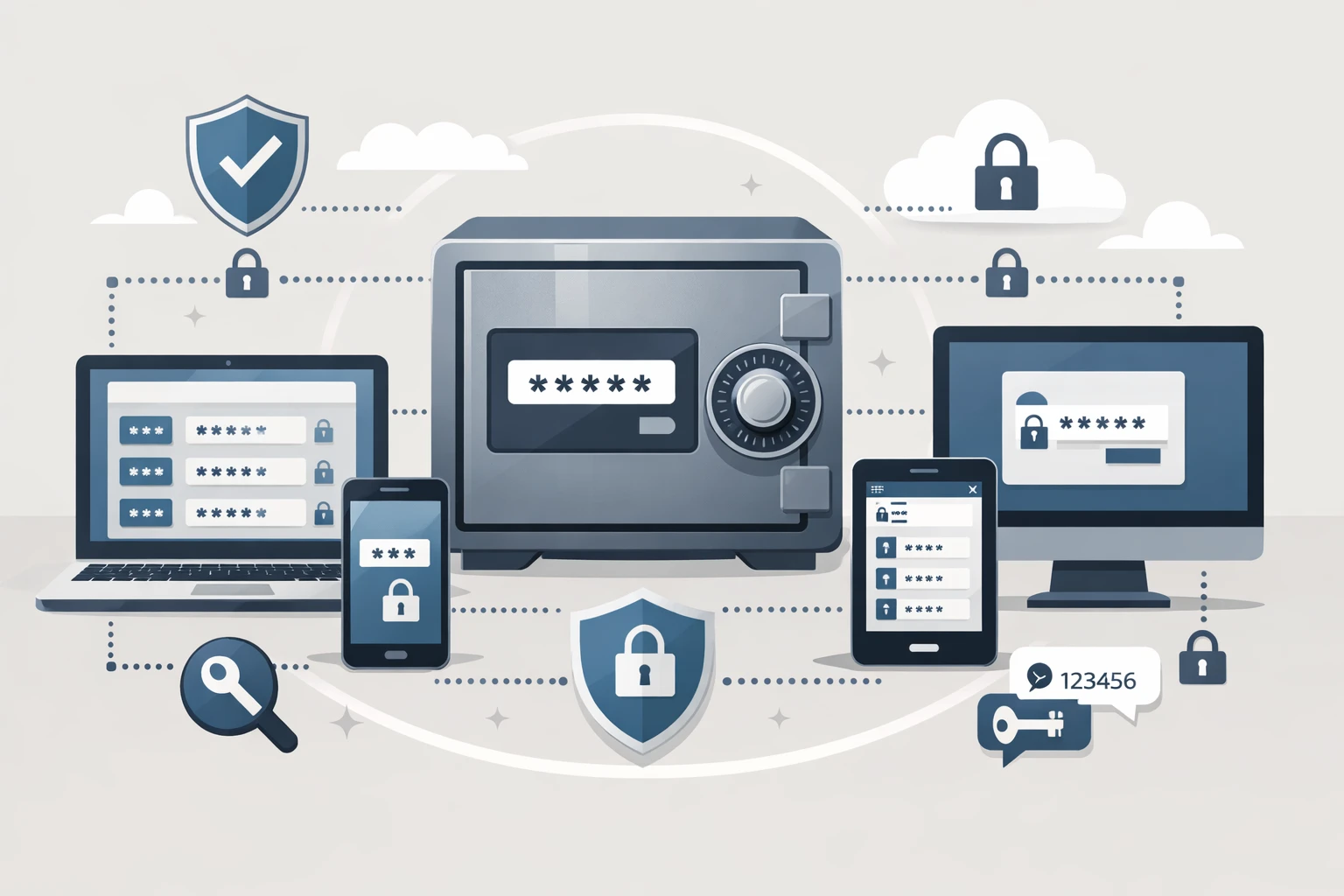
Save generated passwords safely in a trusted password manager
Who Should Use This Strong Password Generator?
Everyday Internet Users – Secure personal accounts such as email, social media and streaming platforms against hackers and identity theft.
Freelancers & Remote Workers – Protect business, client tools, and financial systems, keeping them trustworthy and confidential.
Students and Professionals – Secure academic portals, email and productivity systems against unauthorized access.
Website Administrators – secure admin dashboards, site takeover prevention, and sensitive data security.
Tip: Even strong passwords are more effective when combined with two-factor authentication (2FA).
Strong Password Generator vs. Manual Password Creation
Many users still create passwords manually, often relying on predictable patterns. Manual passwords are easier to remember but also easier to guess. A password generator is able to eliminate human bias and enhance password strength across platforms.
Example: A password such as Invoice123 is a weak password that can give attackers access to sensitive client information, but the use of a randomly generated password prevents such attacks.
Alternatives to Online Password Generators
Some users use manual passwords or browser suggestions or in-built app passwords. Although it is possible, a specific strong password generator is more consistent, flexible and secure.
Example: The same password is used on each platform, and this is more vulnerable to security breaches; unique passwords generated are less prone to the risk.
Mobile and Cross-Device Compatibility
This generator of online passwords is compatible with desktops, tablets, and smartphones. Users are free to make strong password combinations safely on the go, which is suitable in mobile-first workflows. It is also perfectly compatible with all the major browsers, making the experience hassle free across the devices.
FAQs – Strong Password Generator
Explore More Free Tools on e4tools
Enhance digital safety by using strong passwords across all e4tools platforms:
Invoice Generator – secure business and billing accounts our Free Invoice Generator.
Paraphrasing Tool – protect content creation platforms and avoid plagiarism using our Paraphrasing Tool.
Scientific Calculator – safeguard academic and professional portals with our Scientific Calculator.
Good passwords always enhance productivity, security, and Internet protection.

Caption: Create strong, unique, and secure passwords instantly
A clean call-to-action illustration encouraging users to generate secure passwords online, reinforcing trust and usability.
Final Thoughts: Protect Your Online Accounts Today
One of the most frequent reasons for account compromise is weak passwords. A strong password generator provides unique, secure, and complex passwords that prevent personal, professional, and academic account threats.
This tool is built for simplicity, privacy, and reliability. Create powerful passwords in seconds and minimize the chances of unauthorized access, as it is recommended in terms of online security best practices.