What Is a Password Manager and Is It Safe? A Complete Beginner’s Guide (2026)
Feb 28, 2026
What is a Password Manager?
A password manager is software that securely stores and encrypts your passwords, auto-fills login forms, and lets you use one strong master password. It prevents password reuse, strengthens online account security, and keeps sensitive data safe across all your devices.
In 2026, a password manager is a vital cybersecurity tool for anyone managing multiple accounts. Instead of remembering dozens of complex passwords, you only need one strong master password to unlock all your accounts. These tools save passwords in encrypted vaults, thus removing the possibility of repeated usage and minimizing threats of data breach; moreover, these tools offer more secure access to online services.
Other than convenience, password managers secure your accounts against phishing, malware, and unauthorized access. Credible options such as Bitwarden, 1Password, LastPass and Google Password Manager are based on AES-256 encryption and zero-knowledge design, meaning even the provider cannot view your stored passwords.
Many people ask, “Is a password manager safe?” The response would be yes – when correctly applied. It has security based on a strong master password, device protection and multi-factor authentication (2FA).
Why This Guide Is Reliable
This guide is based on modern cybersecurity best practices and publicly available recommendations from organizations such as the Cybersecurity and Infrastructure Security Agency (CISA) and the National Cyber Security Centre (NCSC).
Encryption standards like AES-256 and zero-knowledge architecture discussed in this article are widely recognized security frameworks used by trusted software providers worldwide.
This article is written for educational purposes and is regularly reviewed to reflect current password security standards in 2026.
Why People Need a Password Manager in 2026
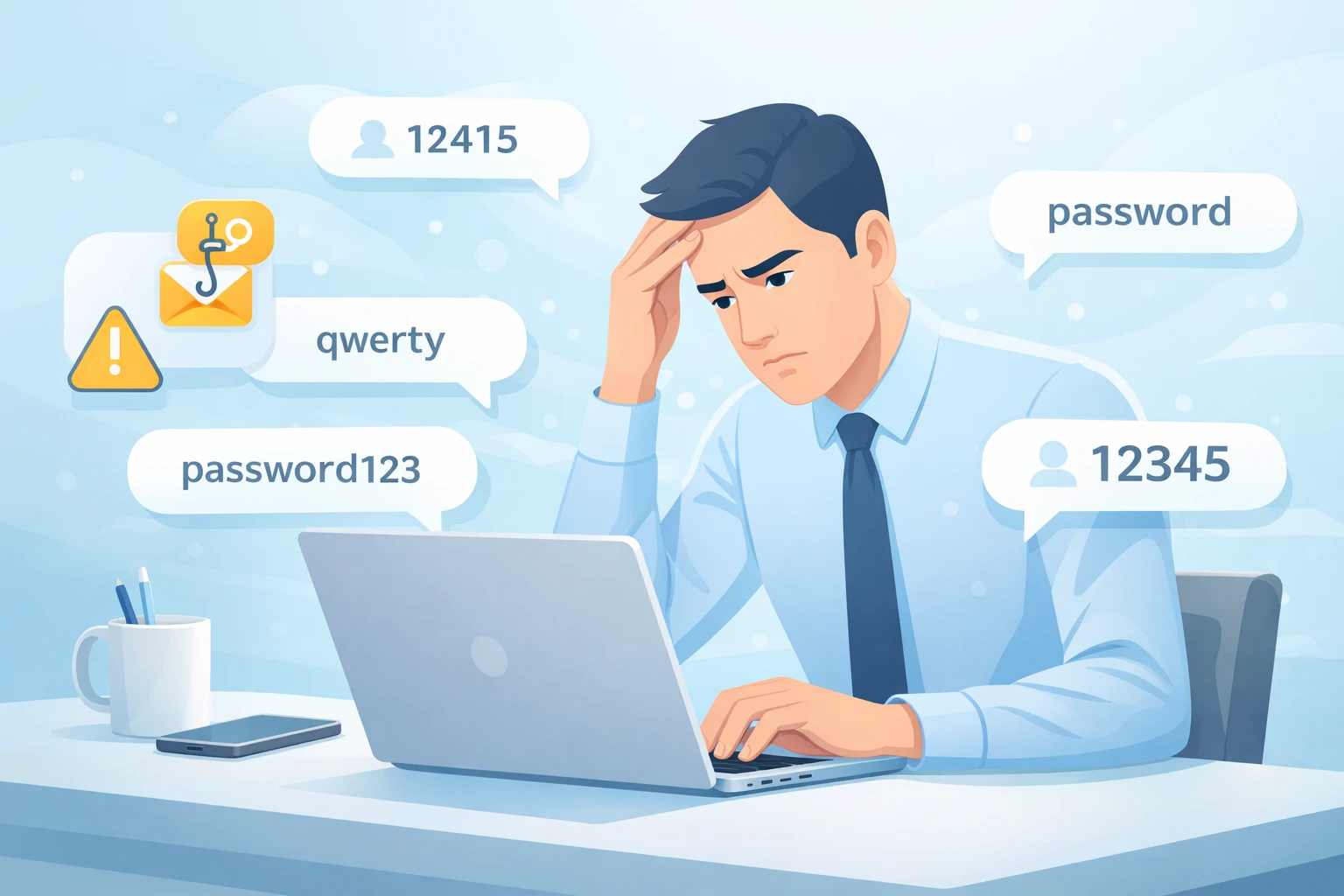
The typical internet user handles an average of 70-100 online accounts, and it is quite difficult to remember the individual passwords of each account. That is why it is a widespread practice to reuse passwords – and why hackers take advantage of it.
Common problems people face:
Using the same password across multiple accounts
Creating short, predictable passwords
Saving passwords in browsers without understanding risks
Falling victim of phishing attacks
How a password manager solves these problems:
Eliminates password reuse
Generates long, complex, unique passwords
Provides secure login automation
Supports multi-factor authentication (2FA)
Key features of a password manager:
Encryptions: Saves all the credentials from the hackers, malwares and authorizations.
Strong password generation: Generates hard passwords for each account.
Auto-Fill Convenience: Logs you into apps and websites safely and quickly
Phishing and Malware Protection: limits the threat of cyberattacks.
Cross-Device Availability: Syncs safely on phones, tablets, and computers.
Digital Privacy & Security: This provides privacy for sensitive data even in case their device is lost or hacked.
Generate a Strong Password Instantly →
How Does a Password Manager Work?
Understanding how password managers work helps answer safety concerns.
1️⃣ The Master Password
Access to your entire vault is secured with a single master password, which is the password you need to memorize.
It should be:
Long
Unique
Not used anywhere else
You can easily create a secure master password using our Free
Strong Password Generator.
A weak master password can put your entire password vault at risk, so always make sure it is long, random, and difficult to guess.
Create a Strong Password Now →
2️⃣ Encryption & Security
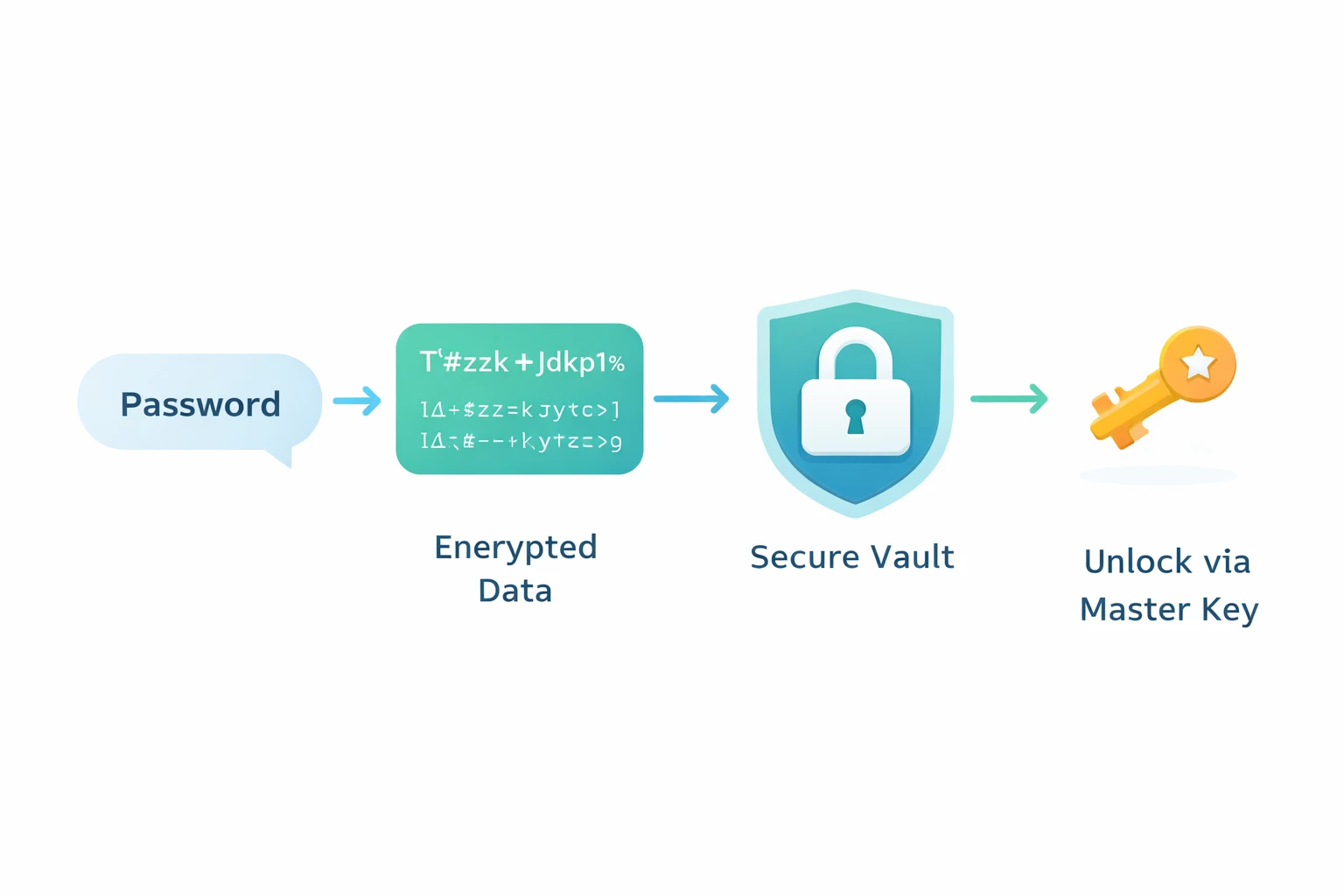
Most reputable tools use AES-256 encryption, currently considered military-grade security.
Passwords are encrypted before storage.
Even the service provider cannot read them.
Decryption happens locally on your device.
This is called zero-knowledge architecture — means the company has zero knowledge of your data.
Industry Standard Protection
AES-256 encryption is used globally by financial institutions, enterprise security systems, and government data protection frameworks. When combined with strong master passwords and two-factor authentication, it significantly reduces the risk of credential exposure. You can read more about AES-256 encryption on Wikipedia.
3️⃣ Secure Cloud Storage vs Local Storage
Some managers store data in secure cloud storage, allowing sync across devices. Others offer local-only storage.
Cloud storage:
Sync across phone, laptop, and tablet
Backup Protection
Convenient access
Local storage:
Full control
No remote sync
Both methods can be secure when properly encrypted.
4️⃣ Browser Integration
Password managers integrate with browsers to:
Detect login forms
Auto-fill credentials
Suggest strong passwords
Password Manager vs Browser Saved Passwords
Many users ask: is it safer than saving passwords in a browser?. While browser storage is convenient, it usually lacks advanced security features that dedicated password managers offer.
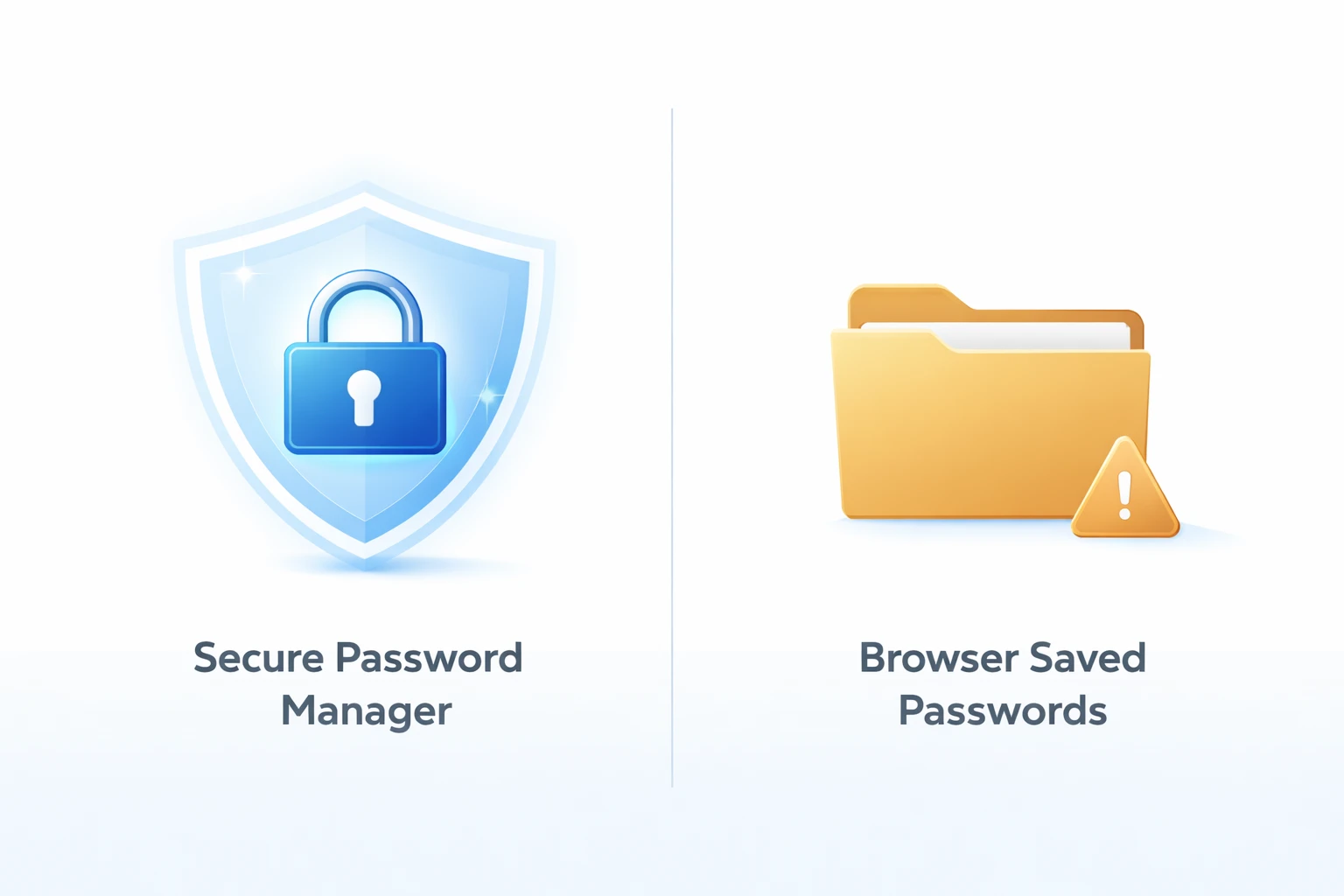
Browser saving is convenient but usually lacks advanced
security controls compared to a dedicated password manager. If you're unsure
how to create a secure password, read our How to Create a Strong Password Guide.
Comparison of Popular Password Managers
To help you choose the right tool, here’s a quick comparison of some widely used password managers:
This comparison helps users select the tool that fits their needs rather than relying on marketing claims.
Real-World Cybersecurity Context
Most account breaches reported globally are not caused by password manager failures. They typically happen due to:
Password reuse across multiple websites
Phishing emails that trick users into revealing credentials
Malware installed on compromised devices
Weak or short passwords
Security experts consistently emphasize that human behavior — not encryption technology — is usually the weakest link in digital security. You can read more about how human factors like weak passwords and phishing contribute to most cyber breaches in the Verizon Data Breach Investigations Report (DBIR).
Real-World Insights & Tool Comparisons
Based on publicly available reviews and comparisons:
Bitwarden: Smooth free version, reliable auto-fill, mobile biometric unlock
1Password: Polished interface, strong family-sharing controls; some advanced features require paid subscription
Google Password Manager: Convenient for Chrome users, but lacks advanced monitoring like dedicated managers
Key practical benefit: Automatic password generation creates strong, random passwords instantly — reducing risks like credential stuffing and phishing attacks.
Are Password Managers Safe? How Safe Are They in 2026?
Password managers are the most secure means of handling your digital identifiers, however, when they are combined with a secure master password and two-factor authentication (2FA). They prevent repetitions of passwords, phishing, malware, and unauthorized accesses, thus being a necessity to any user who maintains multiple accounts in 2026.
Why Password Managers Are Safe:
AES-256 Encryption – Military-grade encryption keeps all stored passwords secure.
Zero-Knowledge Architecture – The provider of the service can not even see your credentials.
Blocks Reusing of Passwords – Each account will have a unique strong password.
Phishing and Malware Protection – Warns against suspicious websites or log-in attempts.
Cross-Device Sync & Device Verification - Only trusted devices can be used.
Breach Alerts – informs you whether any of your accounts could have been compromised.
When They Can Become Risky:
Using a weak master password
Accessing accounts from malware-infected devices
Falling for phishing scams or social engineering attacks
In 2026, modern password managers, such as Bitwarden, 1Password, LastPass and Google Password Manager, have the latter features along with the use of secure key derivation, offline access and regular security updates.
Bottom Line:
No system can be considered completely invulnerable, but with properly set password managers, powerful passwords, and 2FA, hacking becomes incredibly hard for most attackers. They offer a convenient, safe, and current method of managing online accounts, ensuring that your online identity is not compromised by the current cyberattacks.
Common Myths About Password Managers
“If hacked, all passwords are exposed” → False. AES-256 encryption is used to encrypt the password. Attackers will be unable to read your credentials without the master password even in case of a breach.
“Hackers attack password managers” → misleading. Hackers tend to attack weak passwords, unsecured devices, or victims of phishing. Properly configured password managers that have zero-knowledge architecture are highly impossible to breach.
“It’s safer to remember passwords manually” → Not true. Human memory is prone to errors culminating in weak or reused passwords. Password managers use strong and unique passwords on each account, enhancing privacy and minimizing the threat of attacks on the internet.
Do You Still Need Two-Factor Authentication (2FA)?
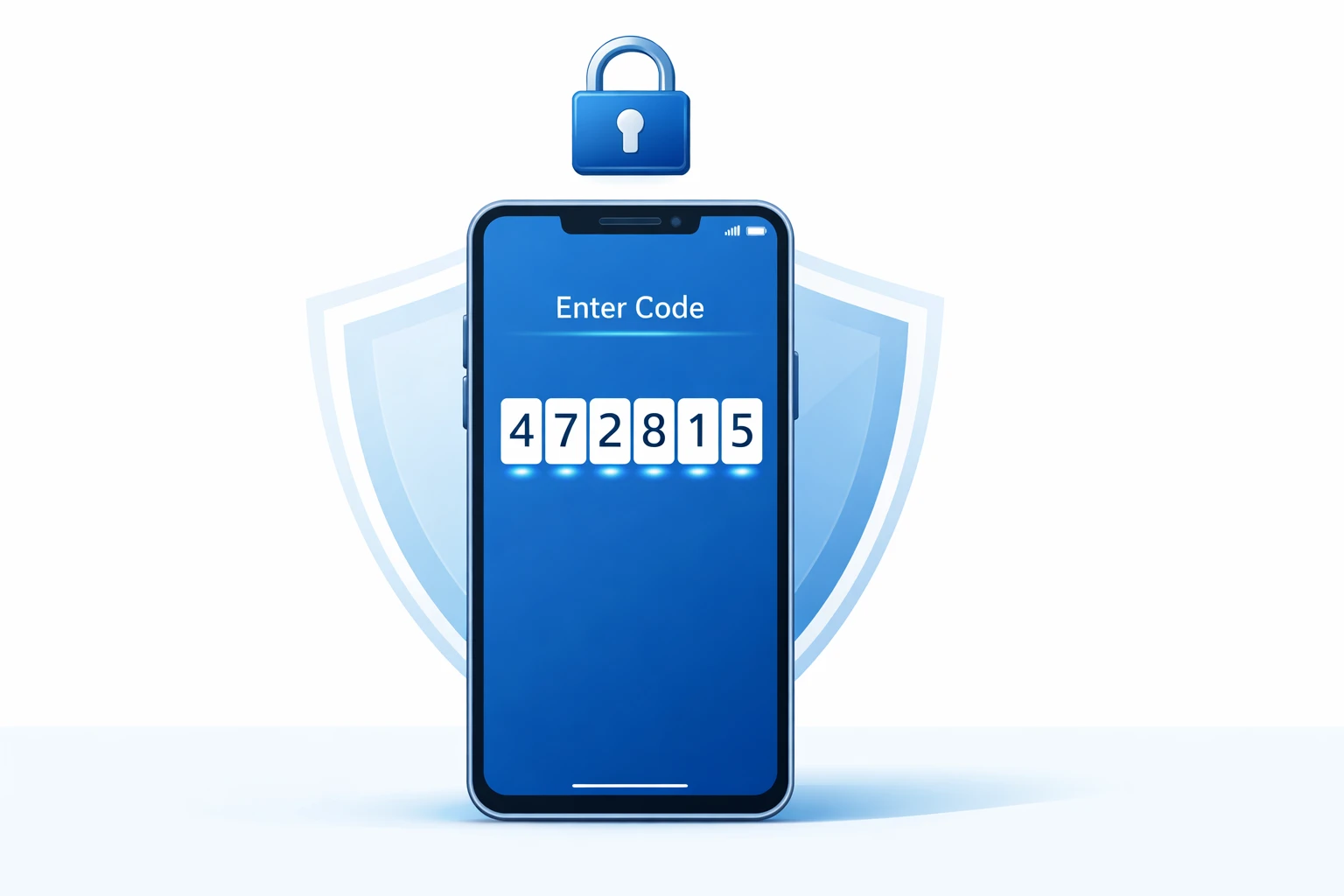
Despite the password manager, Two-Factor Authentication (2FA) adds another security layer. Although a password manager securely stores credentials, 2FA means that before entering your account, there will be a second type of verification process performed, like a code delivered to your phone, an authentication app or a hardware key.
If you're new to 2FA, read our detailed Two-Factor Authentication Beginner Guide and understand how it works step-by-step.
Combined with 2FA, password managers will offer one of the best security measures against account compromise in 2026.
Improve Your Security with Two-Factor Authentication→
Who Should Use a Password Manager?
Students – Manage multiple school accounts and social platforms securely
Freelancers – Protect client data while simplifying logins across projects
Remote workers – Keep work accounts safe with centralized, secure passwords
Small business owners - Guard business tools, banking and e-commerce logins.
Anyone who has more than 10 online accounts – Do not use the same passwords and make it easy to use.
In 2026, manually controlling passwords is deemed outdated, and a password manager enables secure password control effortlessly.
FAQs
Vaults that have been encrypted are very hard to enter without the master password. The current version of password managers applies AES-256 encryption and the zero-knowledge design, which would be almost impossible to hack by most hackers.
Zero-knowledge security means that most password managers cannot retrieve your master password. You are possibly required to re-initiate your vault and re-associate any existing credentials. Some tools provide recovery keys or alternative account recovery options.
Yes, if they provide AES-256 encryption, 2FA, and a strong reputation. Premium plans tend to have additional benefits such as family sharing or breach notifications.
Absolutely. Password managers are more strongly encrypted, cross-device synchronized, phishing-secured and have advanced security features. Browser storage is typically local only and not based on multi-factor authentication and breach notifications.
Many allow offline access by storing encrypted credentials locally and syncing securely when online.
Yes. They can greatly decrease the chance of account compromise with an effective master password and 2FA due to their effective use.
Weak master passwords, malware infected devices, phishing, and using weak password storage. These can be mitigated by a good password manager although good security practices must be maintained by the user.
Yes. password manager offer protection of the stored credentials and 2FA provides an additional level of verification. They offer the best protection online jointly.
Disclaimer
This article is provided for informational and educational purposes only. While password managers can significantly improve your online security, no digital system can guarantee complete protection. Always enable two-factor authentication, keep your devices updated, and follow safe browsing practices. We do not collect, access, or store any of your passwords through this content or related tools.
Conclusion
What is a password manager, and is it safe? Here’s the final clarity:
One of the most convenient and useful tools for securing your online identity in 2026 is password manager. Not only does it minimize password re-use, but it also enhances encryption usage and protects sensitive data across all your accounts. Combined with the use of strong passwords and two-factor authentication (2FA), it has become an order of protection, as it helps prevent phishing, malware, and unauthorized access.
Using a password manager helps you:
Simplify account management across devices while maintaining strong security.
Prevent account compromise from weak or reused passwords.
Monitor breach alerts to take urgent measures in case any of the accounts is compromised.
Goodbye theft: Keep your digital privacy even when a device is lost or stolen.
Managing passwords manually is out of date and dangerous in 2026. Failure to use a password manager means that you are vulnerable to cyber threats, whereas using one is likely to raise your digital security posture to a significant level.
For individuals, freelancers, remote workers, and small business owners, a password manager helps keep online accounts secure, organized, and easier to manage.